
Alawin Casino puts the whole game lobby behind one simple Games page, where you can jump between slots, live tables, instant titles and jackpots without digging through menus. The layout is clearly built for fast browsing: big game tiles, category shortcuts at the top, and a search bar that lets you filter by games, categories, or providers.
If you like exploring, you can scroll through curated shelves like Top, New, and Popular. If you already know what you want, the category row (Slots, Live Games, Table Games, Instant Games, Megaways, Bonus Buys, etc.) gets you there in one click.

At the top of the Games page you’ll find a search field labelled “Games, Categories, Providers” plus a horizontal category bar. This is the fastest way to narrow down the catalogue.
Main lobby filters you can use:
Player tip: Use the Providers shortcut first if you’re loyal to a studio, and use Bonus Buys / Megaways when you want a specific slot mechanic rather than a theme.


Slots are clearly Alawin’s main focus, with the Slots category listing 11,171 titles. The lobby mixes classic-style icons with modern mechanics like Hold & Win, boosted reels, and feature-heavy releases.
Examples you can spot right in the lobby:
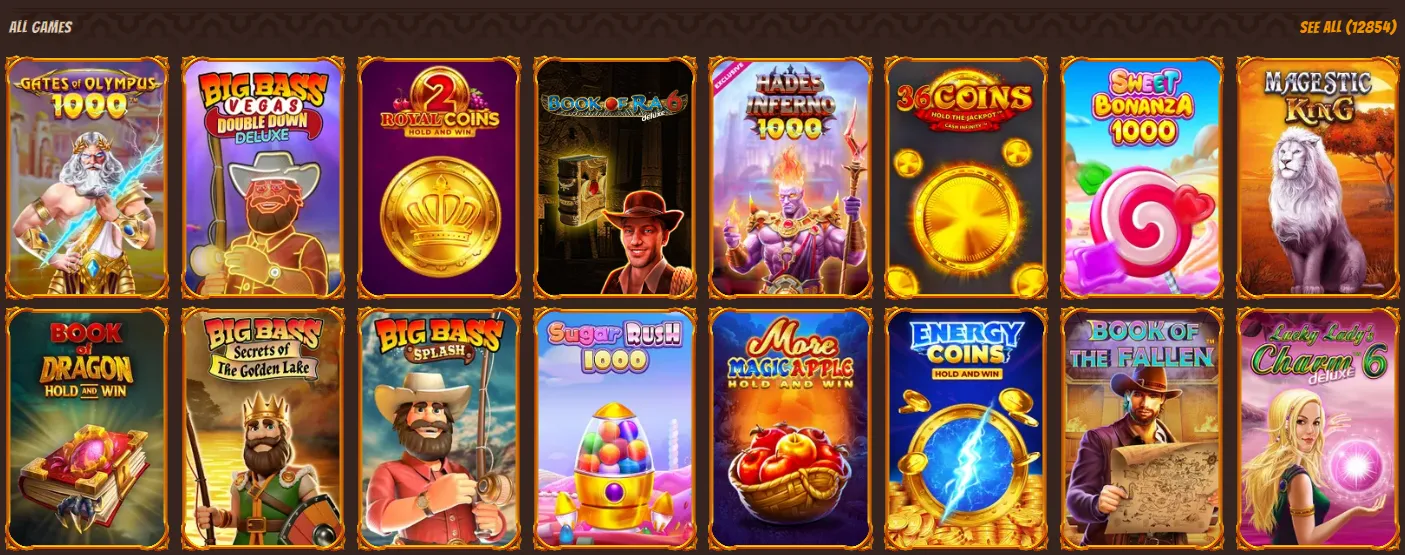
What makes the slot browsing convenient:
The Bonus Buys shelf is built for players who want to skip base-game spinning and jump straight into features. Alawin lists 489 Bonus Buy titles in this category, so you can treat it like a ready-made shortcut for “high-action” sessions.
Popular Bonus Buy-style picks you’ll recognise:

How to use Bonus Buys smartly:
Megaways fans get their own dedicated shelf, showing 188 titles. This is ideal if you like changing reel sizes, high variance gameplay, and long feature potential.

Examples shown in the Megaways section:
Why this filter helps: Instead of guessing which games use the mechanic, you can browse all Megaways releases in one scroll and compare themes quickly.
If you prefer real-time action, Alawin’s Live Games category shows 512 titles. The tiles often display table limits (useful when you want low-stakes warm-ups or higher-limit sessions).
What you’ll typically find in Live Casino:




Instant Games on Alawin are built for short sessions, with 214 titles listed in this category. These are usually faster than slots and often include arcade/crash mechanics.
Instant-style titles you can see in the lobby:

Best for:
For traditionalists, Alawin’s Table Games section shows 209 titles. These are the RNG (non-live) versions—great when you want classic rules without waiting for a live table.
Examples shown in the Table Games row:
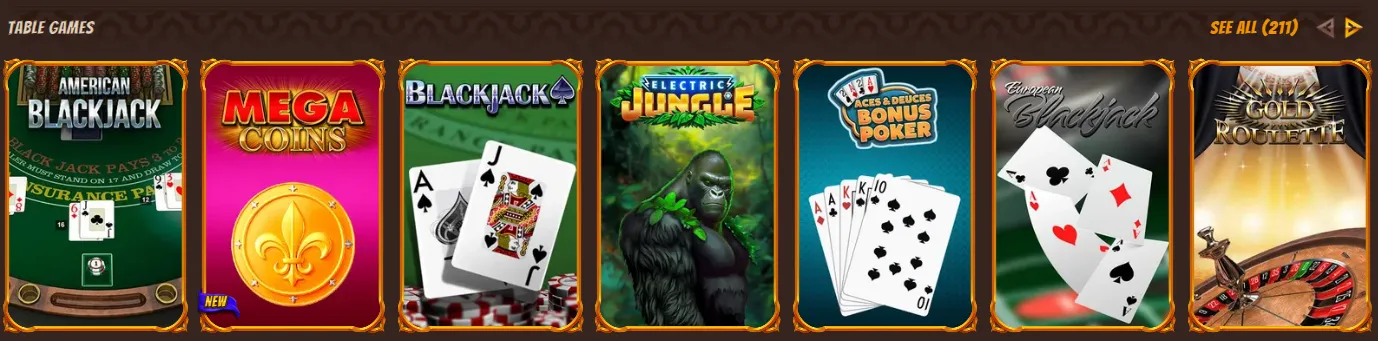
Why players use RNG table games:
Alawin also has a dedicated Jackpots area with its own filters (Hot Jackpots, New Jackpots, All Jackpots). If you’re chasing larger prize pools, this section makes it easy to focus only on jackpot-enabled titles.
Examples from the jackpot shelves:


Alawin’s lobby is designed around large tiles and a clean category bar, which translates well to mobile browsing. On phone or tablet you can still:
The All Games catalogue shows 12,854 titles in the lobby view.
Some tiles display a Demo option, so you can test certain games before committing real money.
Use the Providers shortcut at the top of the Games page, or type the provider name into the search bar.
Open Bonus Buys or Megaways to browse by mechanic instead of theme.
Go to the Jackpots section and use filters like Hot Jackpots and New Jackpots to narrow it down.